Quick verdict
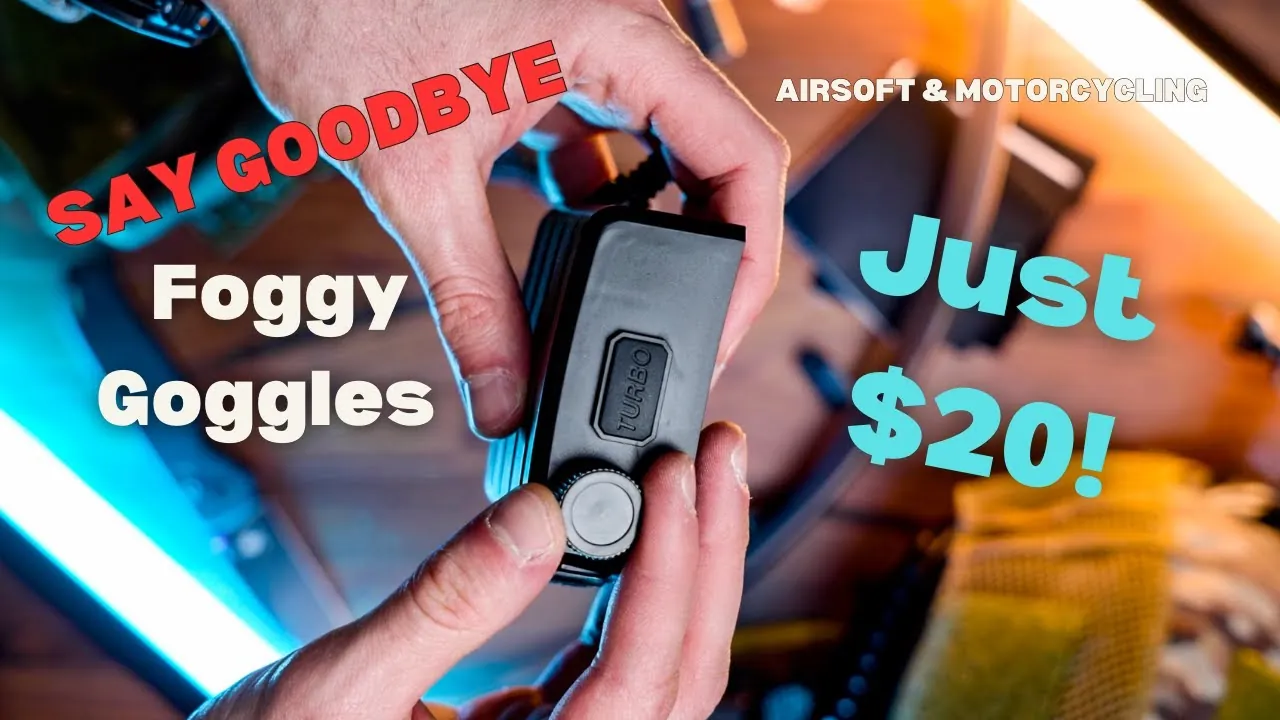
- A budget anti-fog fan (about $20) uses magnetic hoses to push air into your goggles.
- Installation means cutting a small hole in the goggle rubber with the included cutter.
- It ran 4 hours continuously and still showed a green battery; turbo mode clears fog in seconds.
- It is quiet enough that other players did not hear it.
Watch the video
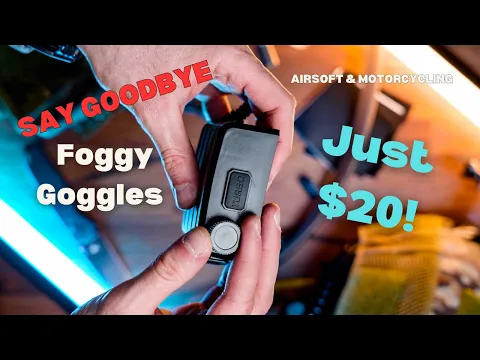
Fogged goggles end games. I found a budget anti-fog fan for about $20 that really works: affordable, interesting to install and – after several games – it performs perfectly. Here is what’s in the box, how to install it on your goggles and helmet, and how long the battery lasts.
What’s in the box
- Velcro straps – two pairs, for securing the fan to a helmet or gear
- Magnet inserts – one goes into the goggles, the other onto the rubber hose, for quick, hassle-free attaching and detaching
- Two rubber hoses that channel the air exactly where it’s needed inside the goggles
- A cutter tool for trimming the goggle rubber
- A USB-C charging cable
- The fan unit – compact, high-quality ABS with an LED battery indicator
How it works
Switch it on and the fan kicks in with a quiet yet powerful hum – efficient without being noisy, so it won’t distract you or give away your position. Press the turbo button and it runs at maximum speed for one minute to clear fog fast. The LED shows the battery level, so you always know when to charge.
Installation step by step
- Cut the hole. Use the cutter tool to trim the rubber on your goggles. This creates the pathway for airflow so air circulates through the lenses and keeps them clear, even in humid or cold conditions.
- Insert the magnets into the hole, with the hose side pointing towards the lens for the best airflow.
- Attach the hoses – the magnets are surprisingly strong.
- Mount the fan on your helmet with the Velcro. Pick the right side of the tape so it sticks to the helmet’s loop panel; the adhesive is strong. You can also tuck the unit into a helmet battery pocket.
- Trim the hoses to length once you’ve chosen the most convenient routing for your helmet.
Field test: battery life
I started a game day with a full battery and ran the fan continuously for 4 hours – it was still showing a green battery indicator, so it can last much longer. I used the turbo button once or twice and the goggles cleared within seconds. It also survived being knocked around: even after hitting it a few times, it stayed firmly attached to the helmet. Other players told me it’s completely silent.
Verdict
- Pros: around $20, 4+ hours per charge, turbo mode clears fog in seconds, quiet, magnetic quick-detach hoses, USB-C.
- Cons: you have to cut your goggle rubber; hoses need trimming and tidy routing.
If fog is your problem, this is the cheapest fix that really works. See it in my full helmet setup and read the eye protection guide.
Gear in this article
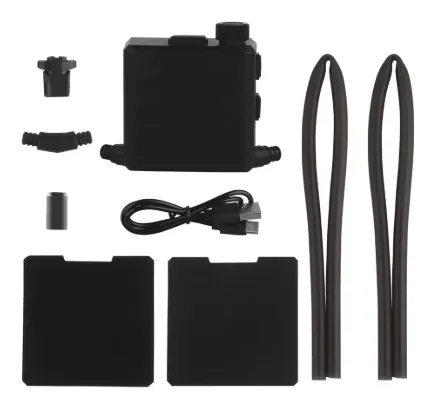
Goggle Anti-Fog Fan Kit
The best ~$20 I have spent on gear. Magnetic hoses blow air into the goggles; on one charge it ran four hours and still showed green, and turbo mode clears fog in seconds. Other players say it is completely silent.
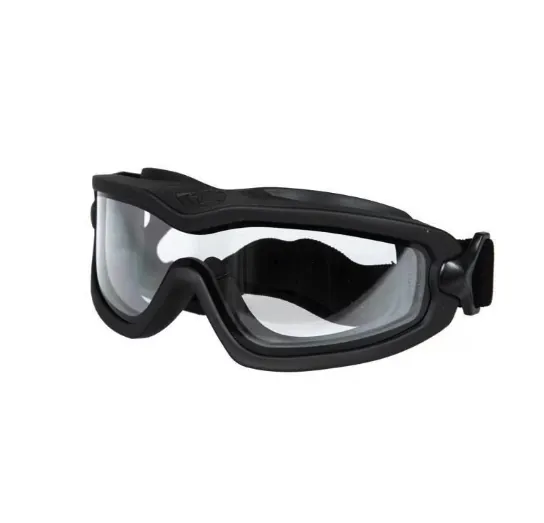
Pyramex V2G-Plus Goggles (GB6420SDT)
My eye protection: sealed goggles with an anti-fog lens that accept a prescription insert – a must for me because I wear glasses. With the fan kit pushing air inside, they stay clear all game.
Read my review
Airsoft player, YouTuber, photographer & software developer. I film my games and gear tests for the GFA Airsoft YouTube channel and write about the gear and lessons that make a difference on the field.