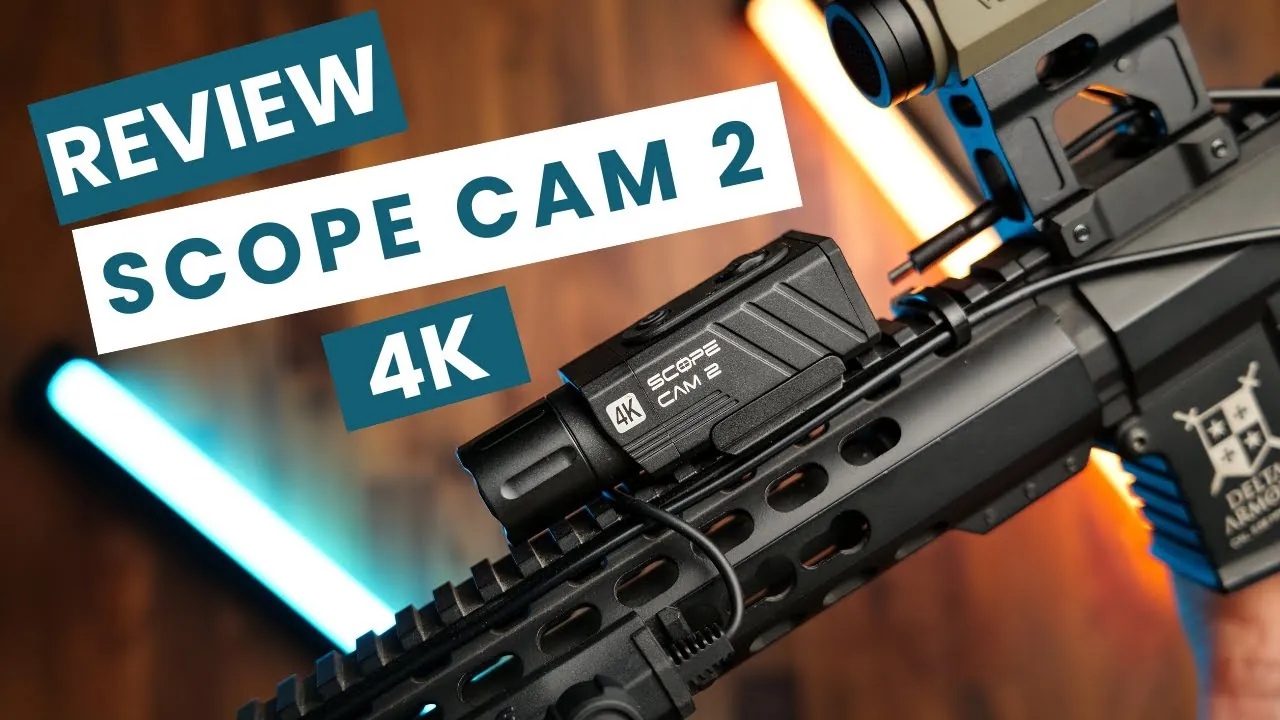
Quick verdict
- The Scope Cam 2 4K records 4K30 or 2.7K60 in an aluminium IP64 body with a tool-free 20 mm rail mount.
- I recommend 2.7K at 60 fps – smoother than 4K30 and much sharper than the SE’s 1080p.
- To pair the app, join the camera’s Wi-Fi in your phone settings first, then connect in the RunCam app.
- The 4K is now my go-to scope cam; the SE remains a solid budget pick.
Watch the video
I started with the RunCam ScopeCam SE. Then I unboxed the RunCam Scope Cam 2 4K and took both to the field to compare them side by side at 20, 30 and 40 metres. Is the 4K worth the upgrade? For me – yes, and it has become my go-to camera.
Unboxing the Scope Cam 2 4K
In the box you get the manual, the camera and a USB cable. The entire housing is lightweight aluminium, rated IP64, so rain, dust and field conditions won’t stop it. Mounting is incredibly simple thanks to a built-in 20 mm Picatinny rail clamp with a spring-loaded attachment.
There is a replaceable tempered-glass cap at the front, with the lens behind it. Mine is the 25 mm variant.
4K vs SE: specs
| Scope Cam 2 4K | ScopeCam SE | |
|---|---|---|
| Max resolution | 4K 30 fps / 2.7K 60 fps | 1080p 60 fps |
| Lens | 25 mm or 40 mm | 25 mm |
| Body | Aluminium, IP64 | Aluminium alloy + plastic, IP64 |
| Battery | Built in, about 2 hours | Swappable 18650, up to ~200 min |
| Memory card | microSD up to 128 GB | microSD up to 512 GB |
| App / Wi-Fi | Yes | Yes |
How to use it
- Record: push the button forward – the camera vibrates and the red light blinks while recording.
- Wi-Fi mode: hold the button down until the red and purple lights blink.
- Connect the app: open the RunCam app and choose “Scope Cam 2 4K” from the drop-down. If you tap connect straight away you’ll get a failure message – you first need to go to your phone’s Wi-Fi settings and join the camera’s network (default password
1234567890), then go back to the app and connect. - My recommended setting: 2.7K at 60 fps – smoother motion than 4K30 and still much sharper than the SE.
Field comparison
I filmed both cameras on the same targets at 40, 30 and 20 metres. The 4K delivers noticeably sharper detail at every distance, and you can compare stabilisation in the video too. Side by side, the two are similar in size and weight on the rail.
Verdict
- Pros (4K): much sharper image, 2.7K60 option, rugged aluminium IP64 body, tool-free rail mount, replaceable front glass.
- Cons (4K): higher price; built-in battery (I power mine from an external pack on the stock); the Wi-Fi pairing process is clunky.
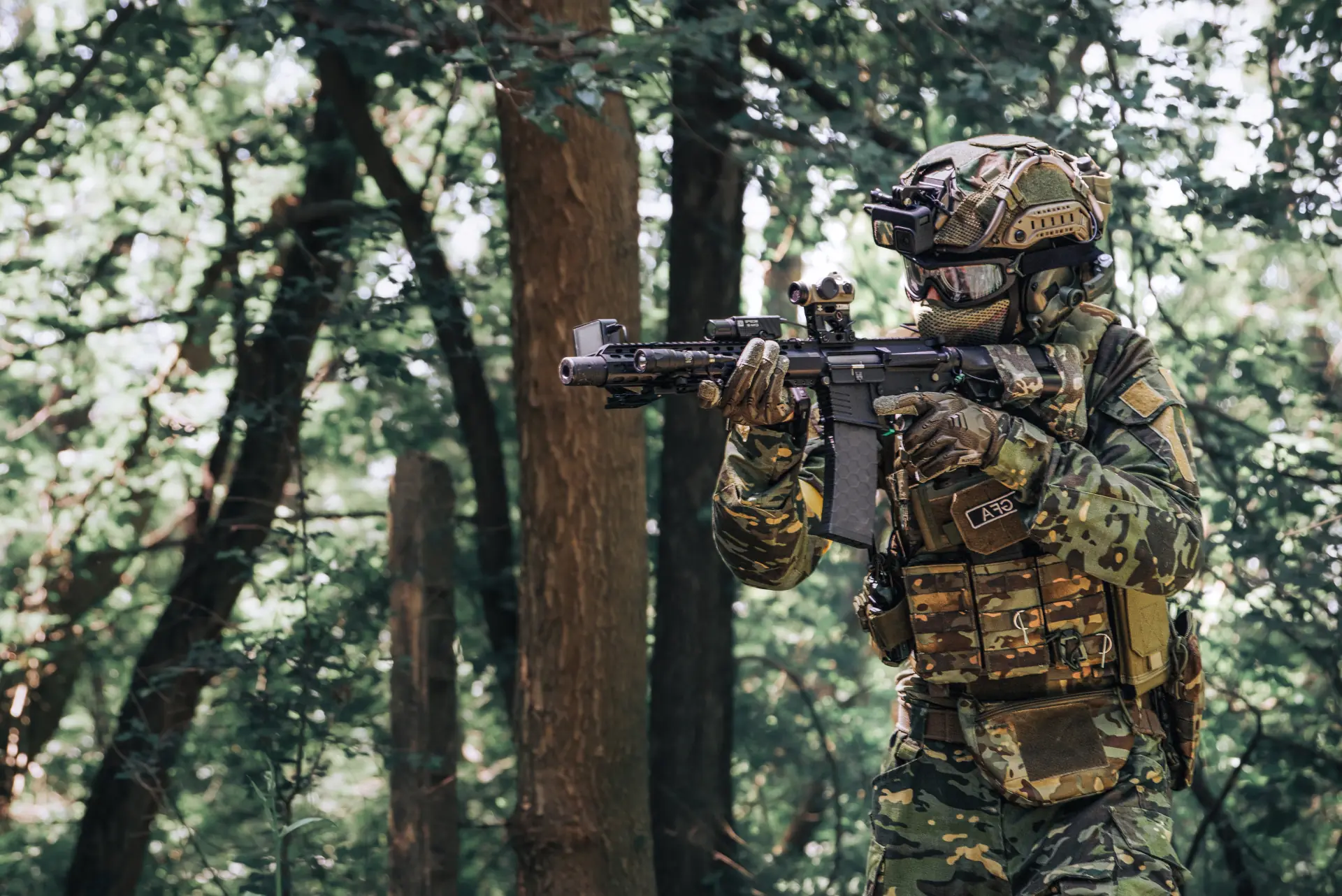
Based on my research, the Scope Cam 2 4K is the best value-for-quality scope camera right now. If budget is tight, the ScopeCam SE is still a great starting point. See how I mount it in my full rifle camera setup.
Gear in this article
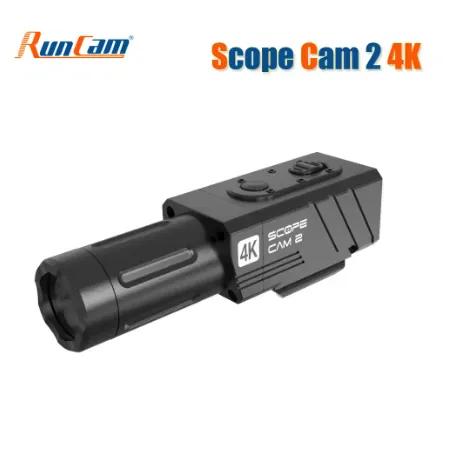
RunCam Scope Cam 2 4K
My go-to scope camera: aluminium IP64 body, built-in 20 mm rail mount, 4K30 or 2.7K60 (I recommend 2.7K60). Best value for quality I found, and the camera most of my gameplay is filmed with.
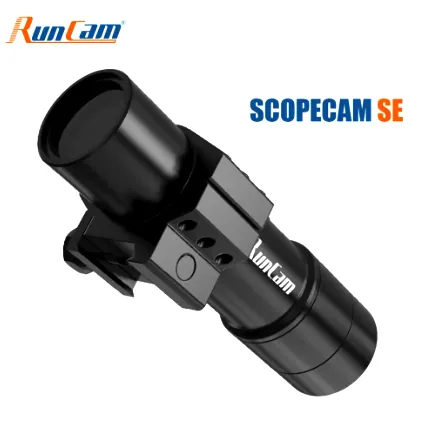
RunCam ScopeCam SE
Budget 1080p60 scope cam with a swappable 18650 battery (up to ~200 min). Sharpest at 12–40 m. A great first scope cam – I later upgraded to the 4K.
Read my review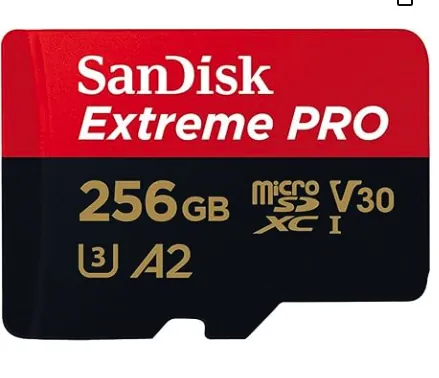
SanDisk Extreme PRO microSD Card
Fast enough for smooth 1080p60 and 4K recording for hours. I use 128 GB in my scope cam – format it to FAT32 for the RunCam.
Read my review
Airsoft player, YouTuber, photographer & software developer. I film my games and gear tests for the GFA Airsoft YouTube channel and write about the gear and lessons that make a difference on the field.